
How to log in to the Anaemate mobile app
Edited
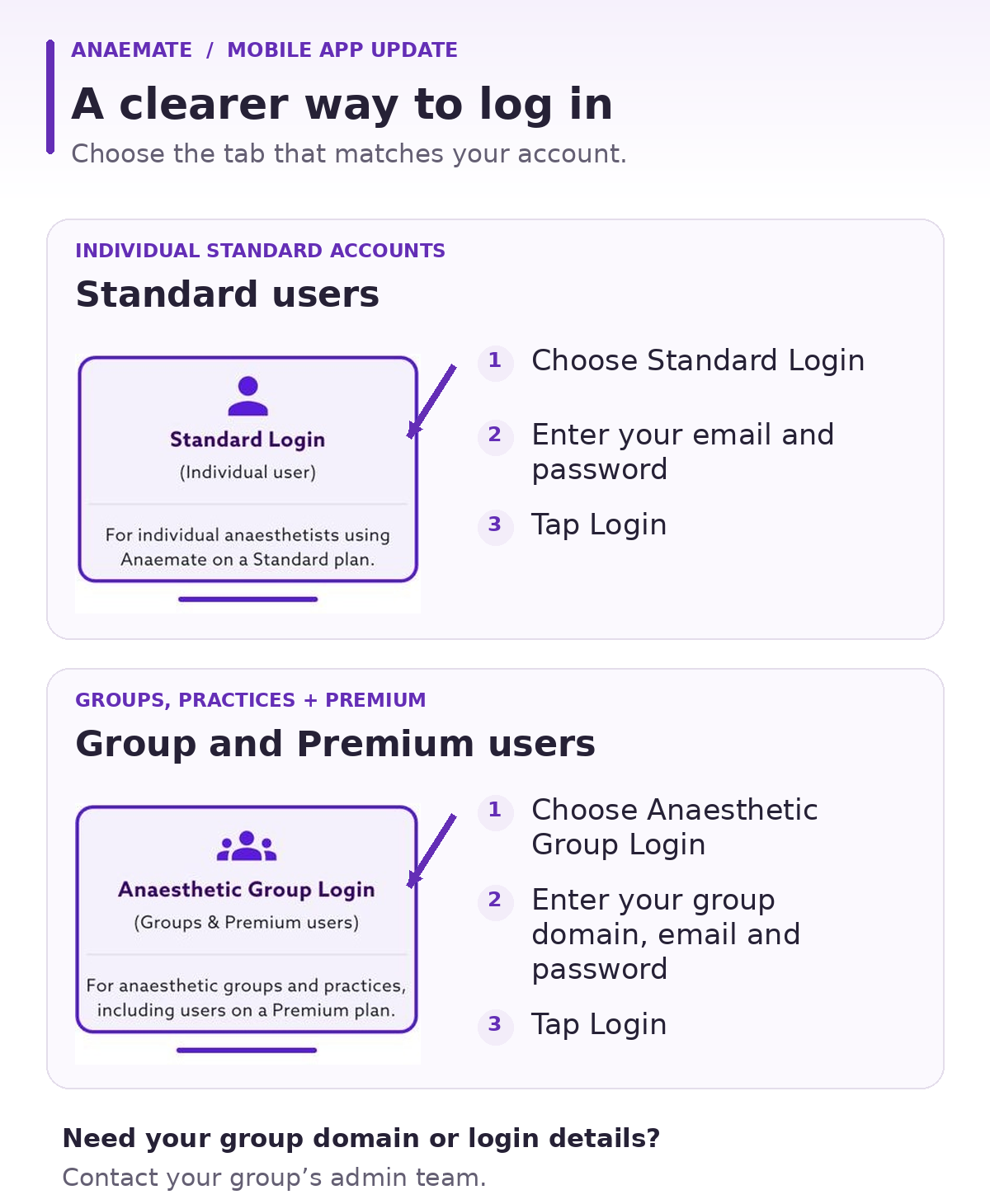
The mobile app has two login options. Choose the tab that matches your account: Standard Login for Standard users, or Anaesthetic Group Login for Group and Premium users.
Standard users
Open the Anaemate app and select Standard Login.
Enter your email address and password.
Tap Login.
Group and Premium users
Open the Anaemate app and select Anaesthetic Group Login.
Enter your group domain, email address and password.
Tap Login.
Premium users should also select Anaesthetic Group Login.
Need help logging in?
If you are a Group or Premium user and are unsure of your group domain or login details, contact your group’s admin team.
If you have forgotten your password, select Forgot Password? on the login screen.